

This is Clinical Product Thinking 🧠, a weekly newsletter featuring practical tips, frameworks and strategies from the front line of clinical product.
Welcome, friends, this is issue No. 054 of Clinical Product Thinking. Today we’re talking about how to setup Claude for clinical safety work.
More and more clinicians working in clinical product are finding clinical safety is becoming part of their role. There’s an obvious overlap but clinical safety is a substantial discipline in its own right and doing it properly alongside a clinical product role can be a lot.
Over the past year, I’ve been experimenting with Claude to support parts of clinical safety work. The approach is built entirely from public material plus a folder structure that Claude can easily retrieve and reason over.
This is a set up, not a case study or an ‘automated CSO’. I’ve found it to be incredibly helpful and I hope you will too!
I’ve added all of the public documents I reference in this post into a folder. You can download them for your own system here*.
Let’s dive in.
Set up
Claude works best with clear instructions, real templates and standards and worked examples where available. Luckily in clinical safety many of these are already published and freely available.
In order to get going you’ll need Cowork in the Claude Desktop app (or Code, if you’re working there instead). Either allows you to give it access to a specific folder on your machine**. Suggest you limit it to one designated folder for security purposes.
The folder structure
Below is an example folder you might like to copy. For this kind of workflow, I prefer a structured folder than dropping all docs into Claude's context.
clinical-safety/
  ├── Instructions / CLAUDE.md
  ├── 01-standards/          (dcb0129, dcb0160, guidelines, training notes)
  ├── 02-templates/          (cscr, crmp, crms, hazard-log templates)
  ├── 03-system-context/     (overview, pathway, users-and-roles, integrations, boundaries)
  ├── 04-reference-materials/ (exemplar cscr, exemplar hazard log)
  ├── 05-working-documents/  (live hazard log, crmp, crms, cscr)
  ├── 06-approved-documents/  (signed off artefacts)
  └── 07-evidence/           (architecture, testing, decisions)
If you’re working across multiple products I would consider setting up subfolders with a consistent naming convention within 03, 05, 06 and 07 and be sure to reference this in your instructions file.
Instructions / CLAUDE.md
If you’re using Claude Code this is a CLAUDE.md file at the root of your folder, read automatically. If you’re using Cowork then this will sit in the project’s knowledge as a custom instruction.
I’m deliberately not sharing my exact CLAUDE.md because it contains system-specific instructions and assumptions. I also don’t think it’s valuable to treat this as a plug-and-play exercise: the value is in configuring your own clinical safety process and evidence. To give you a jumping off point you can find an example here.
01 Standards
The DCB standards, DCB0129 and DCB0160, are the primary source for the clinical risk management requirements. I keep the standards themselves here along with any NHSE implementation guidance or other authoritative guidance I can rely on.
If you have any clinical safety training materials, notes or transcripts from sessions you’ve attended you might want to drop those here.
02 Templates
This folder should include published templates for the main clinical safety artefacts so Claude doesn’t guess if you ask it to generate a document. Obviously if you or your company have a different template you’re following include them here.
You might also want to create your own templates for things you use frequently, such as a hazard workshop agenda template based on other sessions you or your company have delivered.
03 System context
Templates and standards tell Claude what a hazard log is supposed to look like. They don’t tell it what your system actually does. Giving Claude the context of the system you are reviewing will help it ground answers into your system reality.
You might want to add context about:
System overview
Clinical pathway
Users and roles
Integrations and data flows
System boundaries
Risk appetite and escalation
Please don’t add anything into Claude without considering privacy and your company’s AI use policies!
04 Reference materials
Claude will work best if it has a pattern it’s matching to. If you can and again with appropriate permissions, give Claude completed worked examples of any clinical safety artefacts you have available.
You could even decide to write these yourself for a hypothetical system so it has something to work with.
You’ll want to make sure in your instructions you tell Claude to use reference materials for structure, depth, specificity but NOT to copy system facts, hazards, controls or conclusions.
05 Working documents / 06 Signed off artefacts
This one is easy. Keep Claude’s live outputs separate from the source material it is using to produce them. That will help it distinguish what is background context and what is live output. Keeping signed off artefacts in a separate folder helps Claude know what is approved and can be relied on vs what is still in draft.
07 Evidence
Clearly your clinical safety argument should be based on evidence.
Use this folder for the material that supports what is written in the safety case: architecture diagrams, test results, screenshots, decision records and other evidence about how the system actually behaves.
I’d also tell Claude explicitly: absence of evidence is not evidence that a control exists. If you cannot find supporting evidence, flag it.
What this is good for (and isn't)
I have found this system to be incredibly helpful to me but clearly this is not a substitute for CSO judgement.
This can help you draft, check thinking, do a first pass. It can’t be held accountable if something goes wrong. A CSO still needs to make clinical risk judgements and take responsibility for the clinical safety process.
Clinical safety plays an incredibly important role and this system augments their expertise, it certainly doesn’t turn Claude into a CSO.
The next level
There’s another layer to this setup. That is turning recurring clinical safety tasks into Claude skills. This deserves its own post but if you’ve also been working on this hit reply and I’d love to compare notes.
Stay safe all 👷♀️
*Documents last checked September 2026. Clinical safety standards and guidance change so check for the most update to date versions.
**Before putting clinical or commercially sensitive information into any AI system, check your organisation’s approved tools, data-processing arrangements and AI policy. I am not recommending that any identifiable patient information is used in this setup!
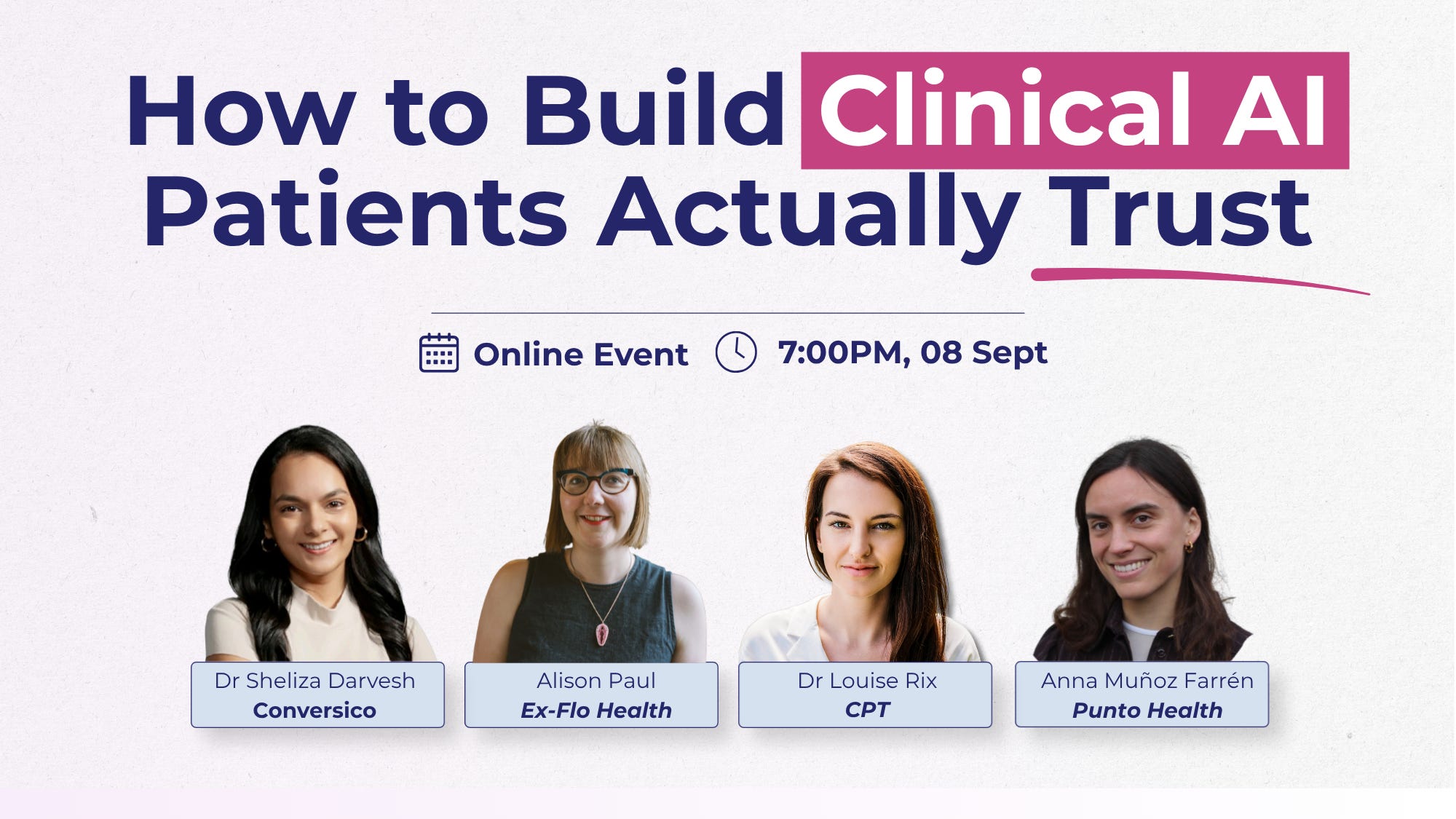
How to Build Clinical AI Patients Actually Trust 🤖
Human oversight is only one piece of building clinical AI that people can trust. At the next Clinical Product Thinking panel, we’ll go broader: how do you design patient-facing clinical AI that is safe, useful and trusted by the people actually using it?
Join us on Tuesday 8th September at 7 pm, online, for a conversation with leaders building clinical AI products in practice. 👉 Sign up here.
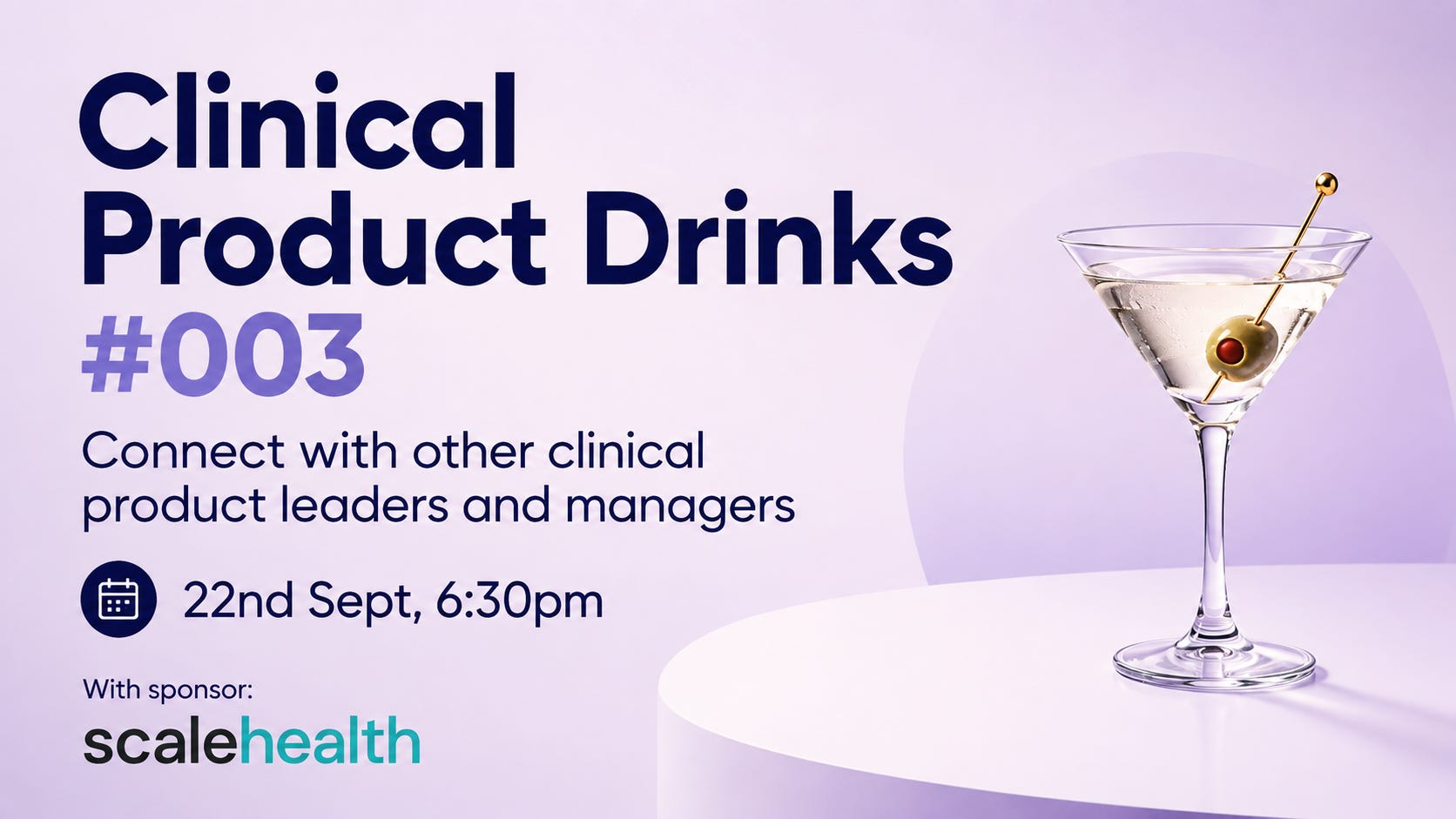
Clinical Product Drinks 🍸
Join the next clinical product drinks! A chance to meet other clinical product leaders and managers and share the good, the bad and the ugly. 👉 Sign up here.
Resources
A collection of things I’ve been reading and will be attending. Say hi to me there! 👋
📅 Digital Safety Practioners Course | 17th September | Sign up here
📅 Patient Safety & AI Workshop | 6th October | Sign up here
📅 Introduction to Medical Device Regulation for Software and AI Technologies. | Webinar series with Hardian Health | 12th November | Sign up here
That’s all for this week. See you next time! 👋
🤝 Work with me | 📅 Attend an event | ✍️ Send a message
Written by Dr Louise Rix, Head of Clinical Product, doctor and ex-VC. Passionate about all things healthcare, healthtech and clinical product (…obviously). Based in London. You can find me on LinkedIn.
Made with 💜 for better, safer HealthTech.